
Digital Products / Media Planner
Meta Ads Media Planner PRO
Plan campaigns, allocate budgets, forecast outcomes and track performance in one practical toolkit.
Checkout is not yet available. No payments are being collected for this product.
Enquire about launch →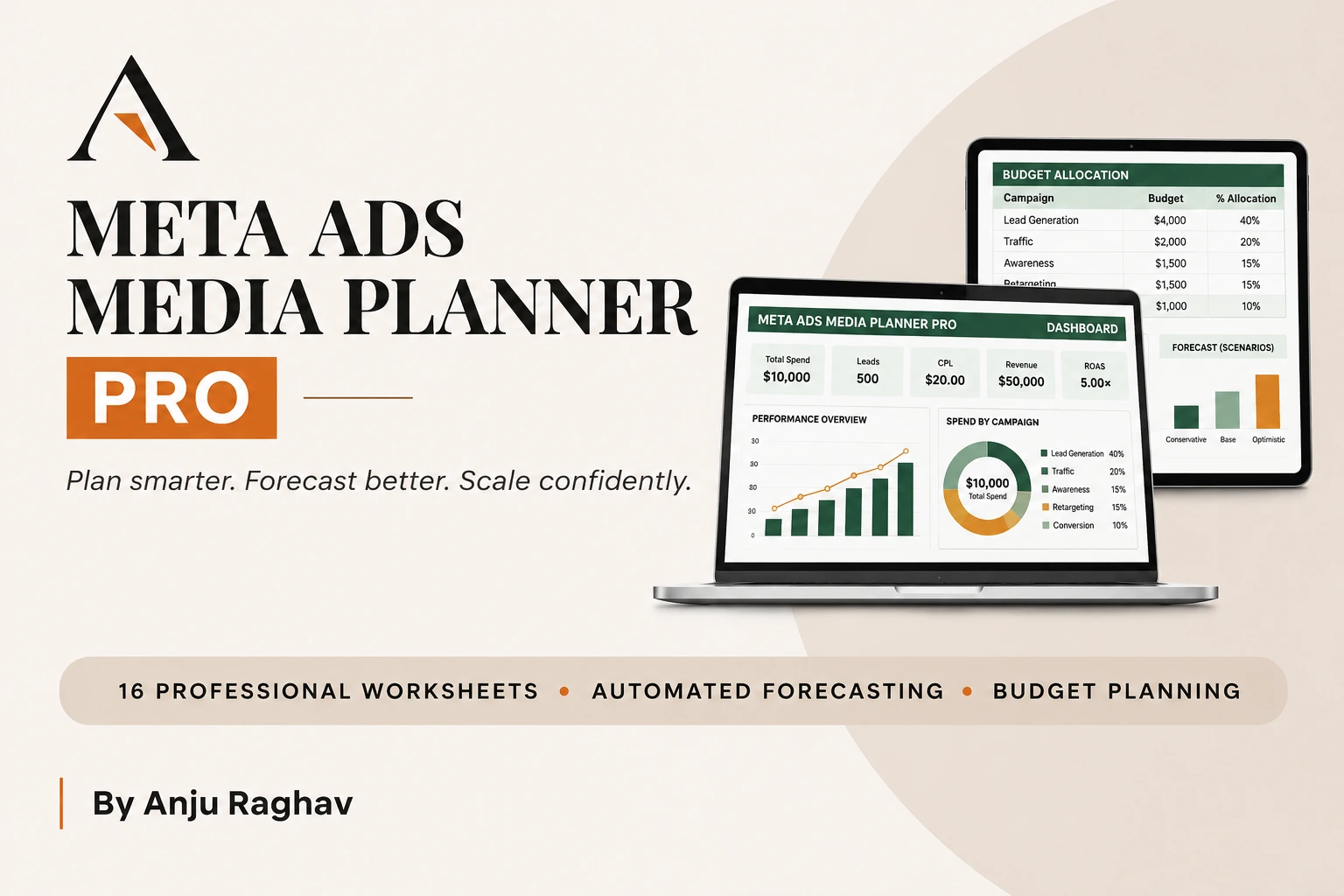
What’s Included
16 professionally designed worksheets
- Step 1 · Plan
01Start Here
Set your client, period and currency.
02Campaign Media Planner
One row per budget-bearing unit, 30 rows, with daily or lifetime budgets and CBO or ABO setups.
03Audience Planner
Record targeting hypotheses and audience ideas.
04Funnel Strategy
Map messages and offers to each funnel stage.
05Creative Planner
Plan formats, messages, owners and test ideas.
- Step 2 · Forecast
06Executive Dashboard
Totals, weighted ratios and charts at a glance.
07Budget Allocation
Charts showing how your planned budget is split.
08Scenario Forecasting
Stress-test CPM, CTR and conversion assumptions.
09Profitability Calculator
Sales-only economics and break-even ROAS.
10Client Summary
A client-ready view of the forecast to review and export.
- Step 3 · Optimise
11Actual vs Planned
Compare real results with your plan using a unique Plan ID.
12Budget Pacing
Check spend against a linear planning guide.
13Optimisation Tracker
Log evidence, hypotheses, changes, owners and review dates.
14Target-Based Budget
Work backwards from the results you want to the budget needed.
15UTM Generator
Build clean tracking links for your campaigns.
16Launch Checklist
Assign owners and confirm status before you go live.
Workbook format
Compatibility details at launch
Forecasting
Multiple client projects
Who it is for
Freelancers
Plan and present client campaigns.
Agencies
Standardise media planning and reporting.
Business owners
Understand budgets and projected outcomes.
Common questions
Do I need to connect my Meta ad account?
No. It’s a standalone workbook. You enter your own budgets, costs and results, so there’s nothing to connect or authorise.
Can I use it for my clients?
Yes. The single-user licence lets one purchaser use and modify the workbook for their own business and client work, and share exported reports. Redistributing, reselling or publicly sharing the editable template isn’t allowed.
Which version of Excel do I need?
The toolkit is designed for desktop Microsoft Excel. Please use desktop Excel with automatic calculation turned on.
How does it forecast results?
You choose a CPM, CPC or CPL basis and enter your unit cost, CTR, frequency and conversion rates. The workbook calculates the forecast and lets you stress-test it in the Scenarios sheet.
Will it guarantee my results?
No. Forecasts depend entirely on the numbers you enter and are for planning only.
When can I purchase?
After payment and secure delivery testing. Pricing will be confirmed at launch.
Store terms: Licence · Refunds · Delivery. Independent resource; not affiliated with Meta.